VentPuck
A round touch-screen OBD2 gauge that sits in the air vent of my Megane RS

I drive a Renault Megane RS and I wanted to see things like boost and oil temperature while I’m driving, without bolting a gauge pod to the dash or having a phone propped up on the vent.
So I’m building VentPuck, a small round gauge that sits in one of the air vents and reads live data from the car.
It’s built around an ESP32-S3 with a 1.75” AMOLED round touch display with a resolution of 466x466. The car’s data comes over any Bluetooth OBD2 adapter that supports BLE, so the only wires to the gauge itself are for power. The home screen shows four readings you choose, and you swipe between the other screens: boost, a big oil and coolant temperature screen, intake air temperature, RPM, speed, battery voltage, and a screen showing engine load and throttle position together. Most of them keep oil and coolant temperature visible at the bottom. There is also a 0-60 timer that saves your best time, and a fault codes screen that can scan and clear codes. If the car reports the outside air temperature, it is shown small in the corner of every screen, and it simply isn’t there if the car doesn’t have it.
The interface is written with LVGL, with a smooth slide between screens, a choice of a dark mode or a colourful gradient mode, a range of themes including two BMW cluster inspired ones, and a boot animation that can use your own logo. Press and hold on any screen for the settings menu, where you can change the car, units, brightness and more.
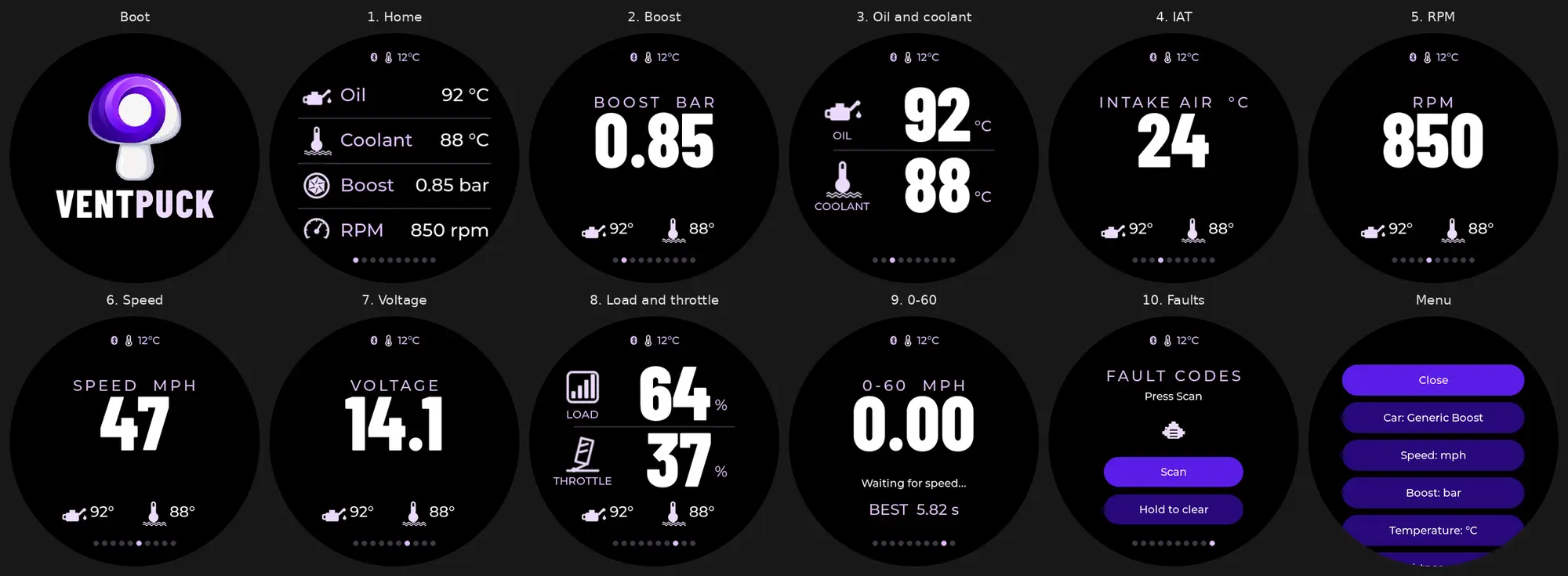
Dark mode
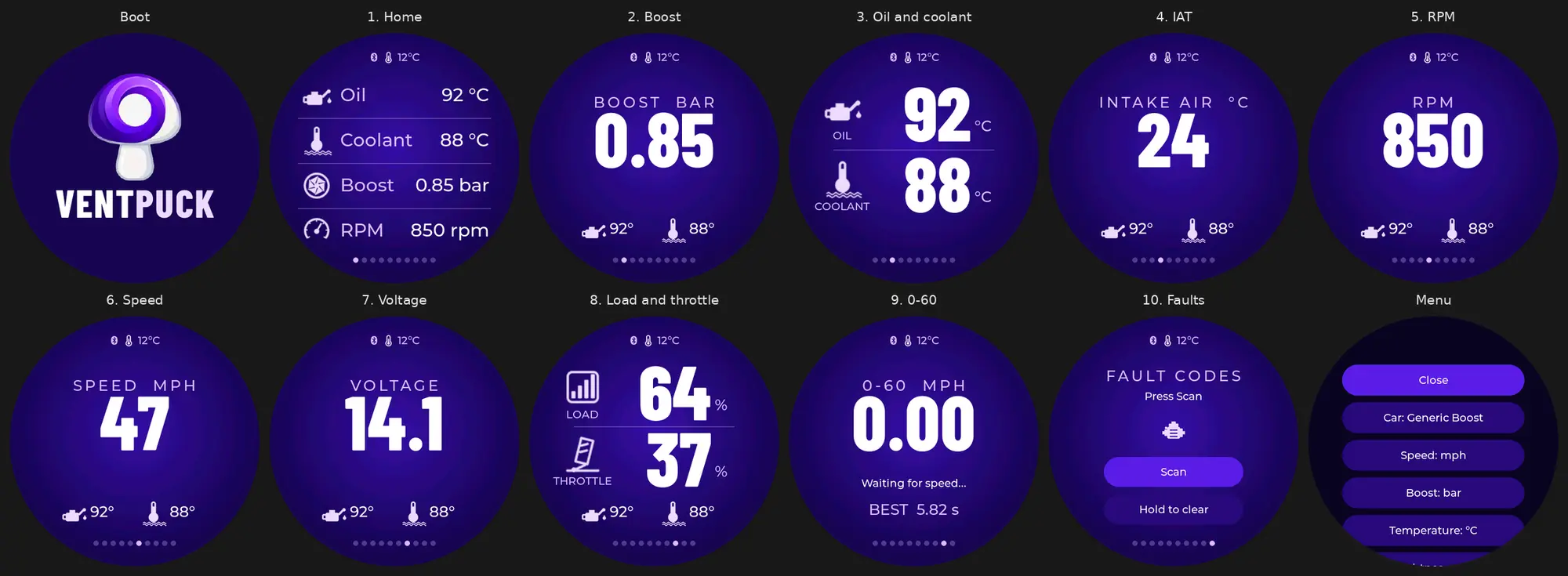
Colour mode
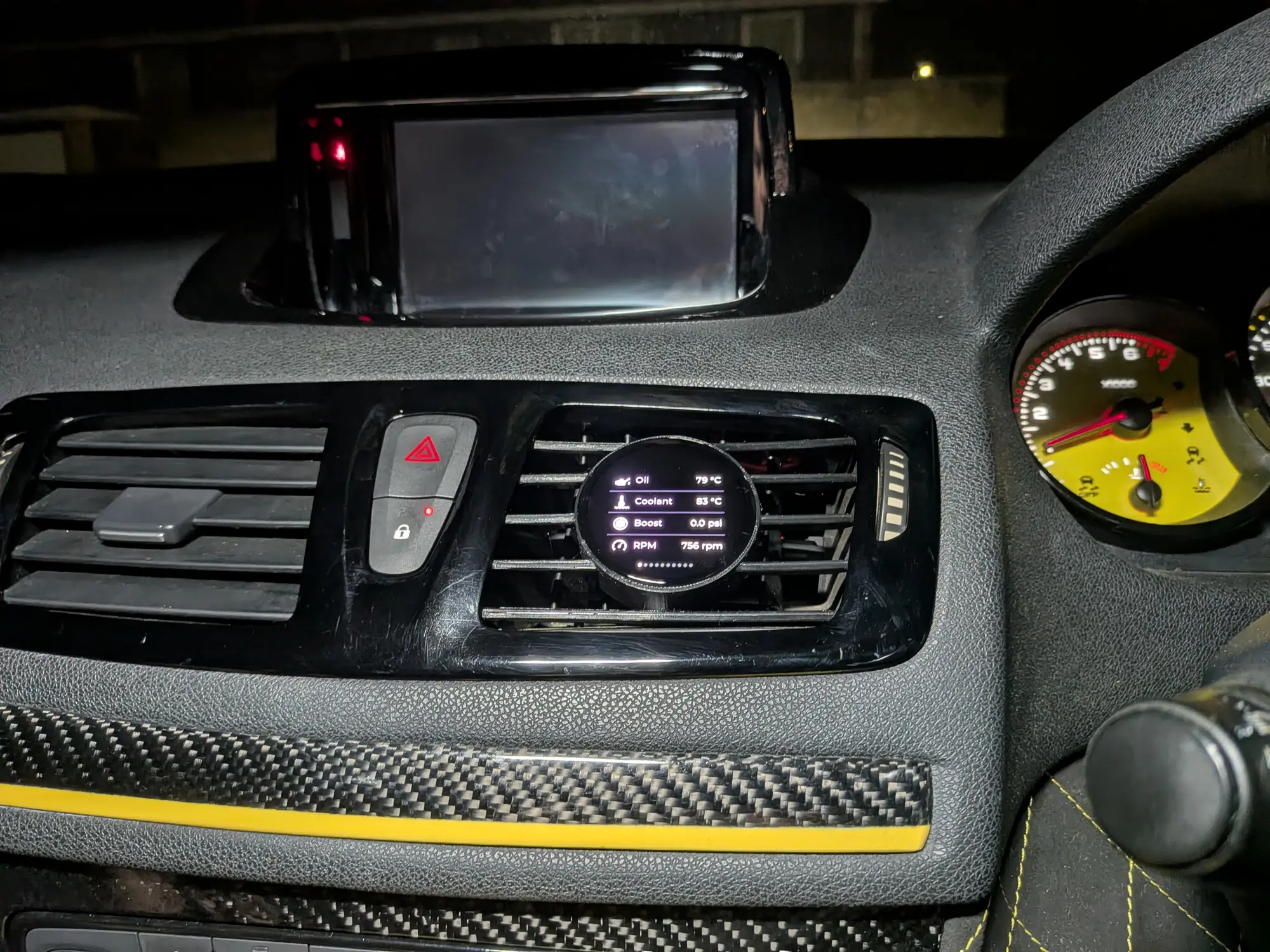
Installed in my Megane
Here it is installed in my Megane RS.
Everything that’s specific to a car lives in a vehicle setting, so it’s easy to adapt to other cars. The Megane 3 RS is the first, and it reads oil temperature, boost, battery voltage and barometric pressure straight from the engine ECU. A generic OBD2 mode works on other cars. The BMW E8x, Clio 4 RS and Megane 4 RS are in as well while people test them: the Clio 4 RS and Megane 4 RS use the same engine ECU requests as the Megane 3 RS, and the BMW has an experimental oil temperature request that tries several ways of talking to the engine computer and uses whichever one answers.
VentPuck can also update itself over Wi-Fi from the GitHub releases, with a Release channel and a Beta channel for test builds, so anyone testing doesn’t have to keep flashing it over USB.
It’s still a work in progress, and I’m planning a few more things like fault code descriptions and more car specific readings as people test it on other cars.
All the code is on the repo page.
Here’s the repo below.
Changelog
Latest Update
Version 1.1.9.0
- 1.1.9.0 The figures on screen no longer disappear while the automatic update check runs. The check pauses the car readings while it uses Wi-Fi, and after 10 seconds without new readings the figures used to go blank, then came back once the check finished. Now the last readings stay on screen during the check and update again as soon as it’s done.
Older Updates
Version 1.x
Version 1.1.8.2 / 1.1.8.1 / 1.1.8.0
- 1.1.8.2 1.1.8.0 and 1.1.8.1 didn’t turn on VentPuck’s spare memory (PSRAM). That broke the boot logo, which showed as a white square, and stopped Wi-Fi updates from working, so those versions can’t update themselves to this one. If you’re on 1.1.8.0 or 1.1.8.1, install this version over USB.
- 1.1.8.1 A behind-the-scenes fix so the screenshots of VentPuck’s screens build again. Nothing changes in how VentPuck works.
- 1.1.8.0 Bluetooth and Wi-Fi icons at the top of the screen. Each one has a red line through it when it isn’t connected. Bluetooth shows the connection to the OBD adapter. Wi-Fi is only on while VentPuck checks for updates, so its icon only shows during the check: crossed out while VentPuck connects, normal once it’s on Wi-Fi, and gone when the check finishes. If automatic updates are off or no Wi-Fi is set up, it doesn’t show at all.
- 1.1.8.0 The automatic update check shows what it’s doing in the text at the top of the screen, where it normally says “Looking for adapter…”: connecting to Wi-Fi, checking for updates, and how far the download has got. When it’s done it says “Up to date”, “Update ready, restart to use it” or what went wrong, for 5 seconds.
- 1.1.8.0 The automatic update check could find a new version but fail to download it, because it ran out of memory. The secure connection to GitHub now uses VentPuck’s larger spare memory, so there’s plenty of room for the download.
- 1.1.8.0 The automatic update check now pauses the search for the OBD adapter while it runs, as well as the car readings. Before, it only paused once the car readings had started, so with no adapter found the Bluetooth search carried on during the check and used up memory and radio time.
- 1.1.8.0 VentPuck uses less memory to draw the screen, and Bluetooth only sets memory aside for one connection, since VentPuck only ever connects to one adapter. This leaves more room for downloading updates.
- 1.1.8.0 On 1.1.7.0 or older, the automatic update check may still run out of memory downloading this version, because the fix only takes effect once 1.1.8.0 is installed. If it doesn’t update on its own, use Check for updates now in the menu.
Version 1.1.7.0
- 1.1.7.0 When the automatic update check has installed an update, a download badge appears at the top of the screen, so you know there’s one waiting. Tap the badge, or choose Restart into the new version in the menu (where Check for updates now usually is), to restart straight into it. Otherwise the new version runs the next time VentPuck starts, as before.
Version 1.1.6.0
- 1.1.6.0 If an update keeps crashing, VentPuck goes back to the version you had before. A new version is on trial until it has run for 5 minutes in one go. If it crashes 3 times before then, VentPuck switches back to the previous version and won’t install that version again, only a newer one. Turning the ignition off, a missing adapter or no car connection don’t count as crashes, so they never cause a rollback. This protects updates from 1.1.6.0 onwards.
- 1.1.6.0 If the car connection locks up for a minute, VentPuck restarts itself instead of freezing with the last readings on screen.
- 1.1.6.0 Updates are only installed if GitHub provides a checksum for them, so a download can always be checked before it’s installed.
Version 1.1.5.0
- 1.1.5.0 Auto update in the menu, which turns the automatic update check on or off. It was only in
settings.inibefore and was off by default, so the background check never ran unless you had setupdate=true. It takes effect the next time VentPuck starts. - 1.1.5.0 The page dots at the bottom of the screen now follow the theme colour.
Version 1.1.4.0
- 1.1.4.0 Brightness in the menu now steps every 10%, from 10% to 100%, instead of every 20%.
- 1.1.4.0 The home screen readings, labels and icons are bigger and easier to read at a glance.
Version 1.1.3.0
- 1.1.3.0 Two new themes, BMW and BMW Modern. BMW makes all the text and icons the orange of a classic BMW instrument cluster. BMW Modern makes the labels, units and icons orange and the readings white.
- 1.1.3.0 Accent is now called Theme, in the menu and in
settings.ini(theme). The colours work as before under the same names, and an existingaccentsetting is still read. - 1.1.3.0 The VENT PUCK wordmark in the boot animation now follows the theme.
- 1.1.3.0 Dark mode is now on by default. If you’ve already set
dark_mode, your setting is kept. - 1.1.3.0 The automatic update check now pauses the car readings while it runs, and tries Wi-Fi up to three times. Bluetooth and Wi-Fi share the same radio, and with the readings running the check often couldn’t connect or download, so updates only worked from Check for updates now. The readings show
--during the check, then carry on as normal.
Version 1.1.2.0
- 1.1.2.0 The outside temperature turns ice blue with a snowflake at 3°C (37°F) or below, as a frost warning.
- 1.1.2.0 If the car doesn’t report an outside temperature, the battery voltage is shown at the top instead. It’s left out on the Voltage screen, on the home screen if Voltage is one of its readings, and on the 0-60 screen so the timer keeps its full speed.
- 1.1.2.0 Top reading in the menu (
top_readinginsettings.ini), which turns off the outside temperature and voltage at the top of the screen. It’s on by default, and when it’s off they aren’t requested from the car for the top of the screen either. - 1.1.2.0 Shut down in the menu, which disconnects from the adapter, turns the screen off and puts VentPuck to sleep. Tap the screen or cycle the power to start it again.
- 1.1.2.0 The outside temperature has moved from the top right to the top middle of every screen, with a thermometer icon, so it no longer crowds the large readings.
- 1.1.2.0 The β badge on beta builds has moved to the top middle too, next to the outside temperature.
Version 1.1.1.0
- 1.1.1.0 Flip screen in the menu (
flip_screeninsettings.ini), which turns the display and touch by 180 degrees for a gauge that is mounted upside down. It changes straight away, and the boot and update screens are flipped too.
Version 1.1.0.0
- 1.1.0.0 New
adapter_namesetting, so adapters other than the OBDLink can be used. It matches part of the adapter’s Bluetooth name (defaultOBDLink). Leave it empty to use the first BLE OBD adapter it finds. - 1.1.0.0 Support for adapters that use the FFE0/FFE1 Bluetooth serial service, which many ELM327 clones use, as well as the FFF0 one.
- 1.1.0.0 The accent colour now works in colour mode too, not just dark mode. It changes the background gradient, text, icons, buttons, menu, boot animation and update screen. The purple accent keeps the classic look and still uses
colour1andcolour2fromsettings.ini. The Accent setting is now in the menu in both modes. - 1.1.0.0 IAT is now labelled “Intake Air” on the home screen, its own screen and the start screen setting, to match Oil and Coolant.
- 1.1.0.0 Oil, coolant, Intake Air and ambient temperatures are now read every 2 seconds and voltage every second, instead of on every cycle. That leaves more of the Bluetooth link for RPM, boost and speed, so they update faster, which also helps the 0-60 timer. A reading that’s missing is retried sooner, so a new screen fills straight away.
- 1.1.0.0 The automatic update check no longer holds up start up. It used to take up to about 35 seconds before the car connection started. Now it runs in the background once the adapter is connected (or after 30 seconds without a car). It installs any update it finds, and the new version runs the next time VentPuck starts. Check for updates now in the menu still works as before, with progress on screen.
- 1.1.0.0 On the BMW, oil temperature (which takes about 10 adapter commands per read) no longer slows down every other reading.
- 1.1.0.0 If the adapter disconnects, for example on a stall-start or a flaky adapter, VentPuck now reconnects in place instead of restarting. You no longer get the boot animation, sound and update check again.
- 1.1.0.0 A reading that stops updating now shows
--after 10 seconds, instead of freezing on the last value as if it were live. All readings clear when the adapter disconnects. - 1.1.0.0 One glitchy low throttle reading can no longer be saved as the closed-throttle position. The zero point now only moves after 5 low readings in a row.
- 1.1.0.0 The serial console no longer calls itself “VentPuck OBDLink CX test”.
- 1.1.0.0 Fixed a possible random restart when a reply from the adapter arrived late. The reply buffer was shared between two tasks without a lock.
- 1.1.0.0 A late reply to one command can no longer be read as the answer to the next one.
Version 1.0.1.0
- 1.0.1.0 Throttle position now learns your car’s closed position and shows it as 0%, instead of around 15% with your foot off.
- 1.0.1.0 Load and throttle readings are now included in the serial and SD card log, along with the raw throttle value.
Version 1.0.0.0 - Initial Release
- 1.0.0.0 Initial Release of VentPuck

-
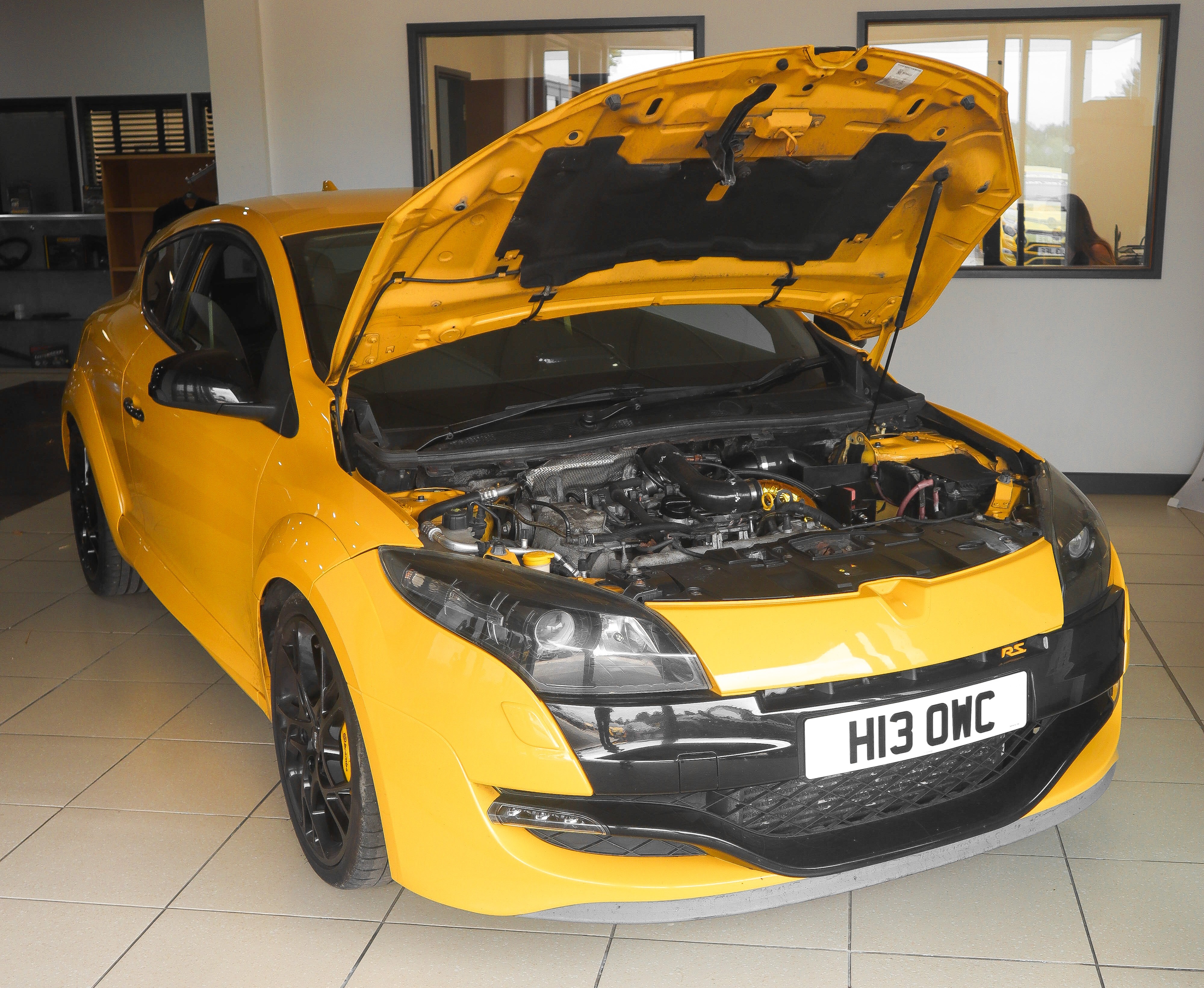
Renault Megane RS 250 (R.S.400)
Modfied Renault Megane RS 250 build
-
PlutoPoint Installer
Computer Repair Centre Automatic Software Installer
-
Cardmarket Price Updater
Automatically get prices for MTG, Pokemon and Yu-Gi-Oh! cards

-
WUPHF Android App
The companion Android app for the WUPHF.co.uk fan site

-
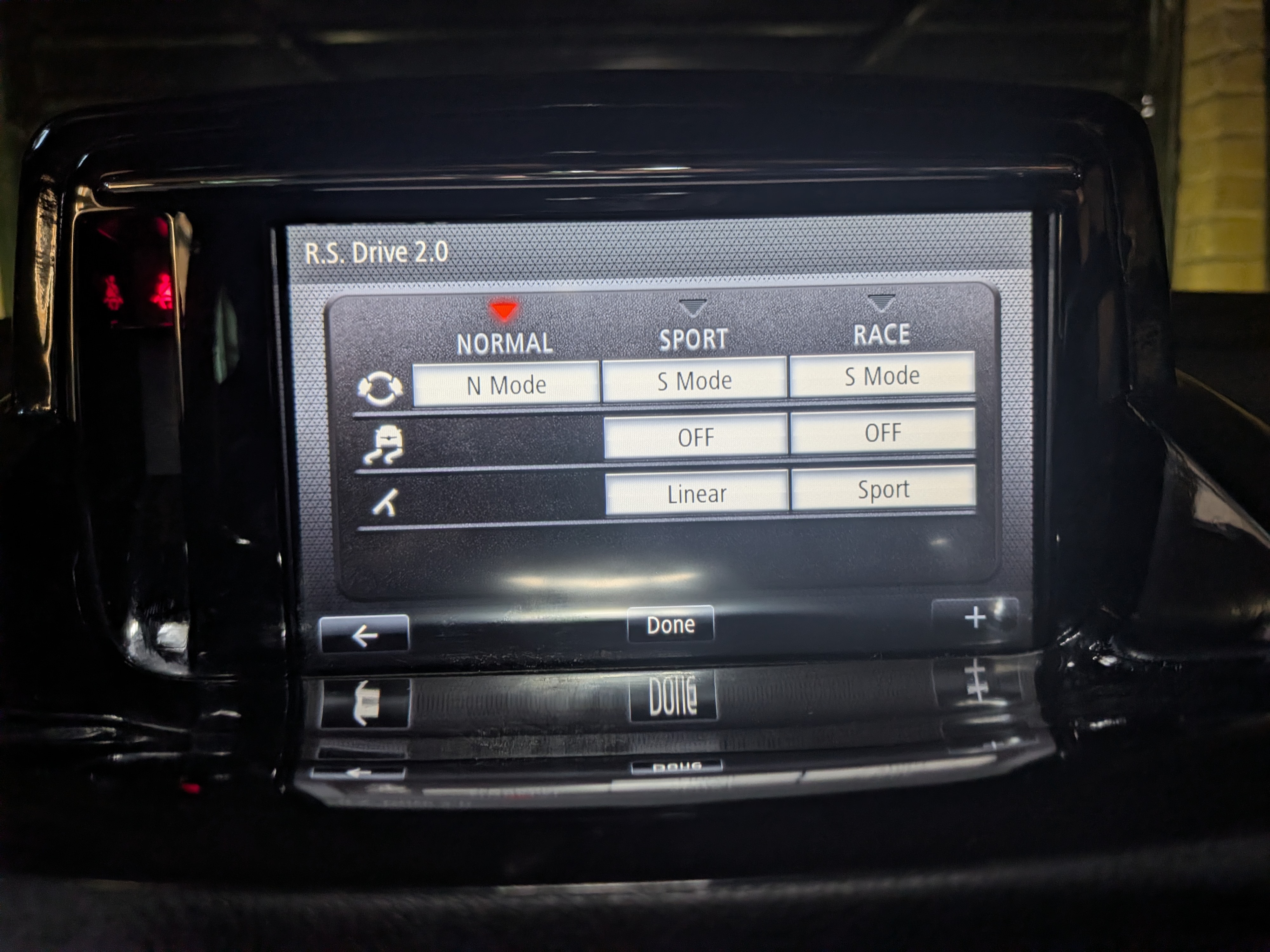
Enabling RS Drive 2 in a Megane MK3
A guide on enabling RS Drive 2 in RS Monitor on a Renault Megane MK3 with a R-Link infotainment system.
-
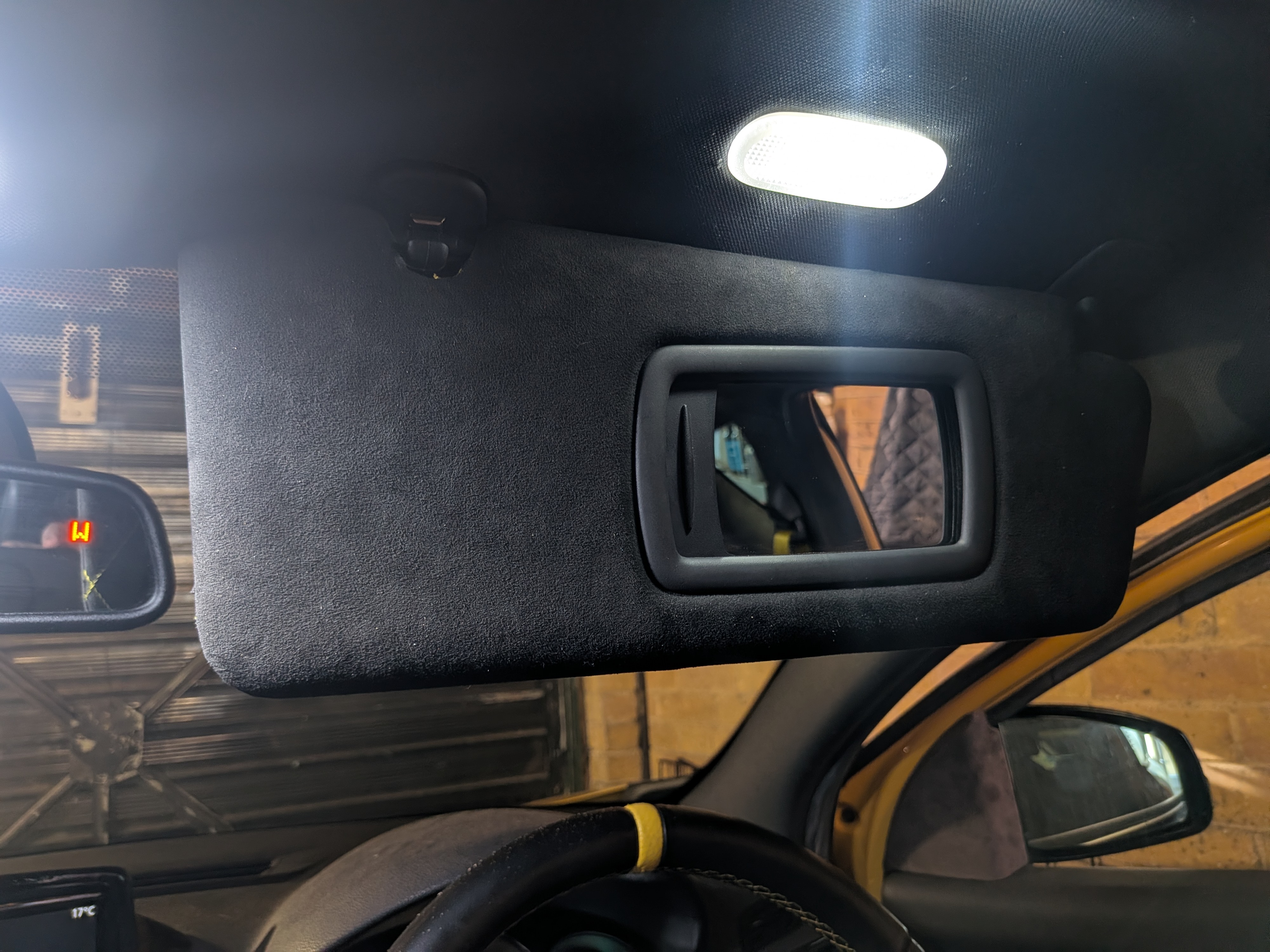
Retrofit Sunvisor Lights to Renault Megane MK3
A guide on retrofitting sunvisor lights to a Renault Megane MK3.
-
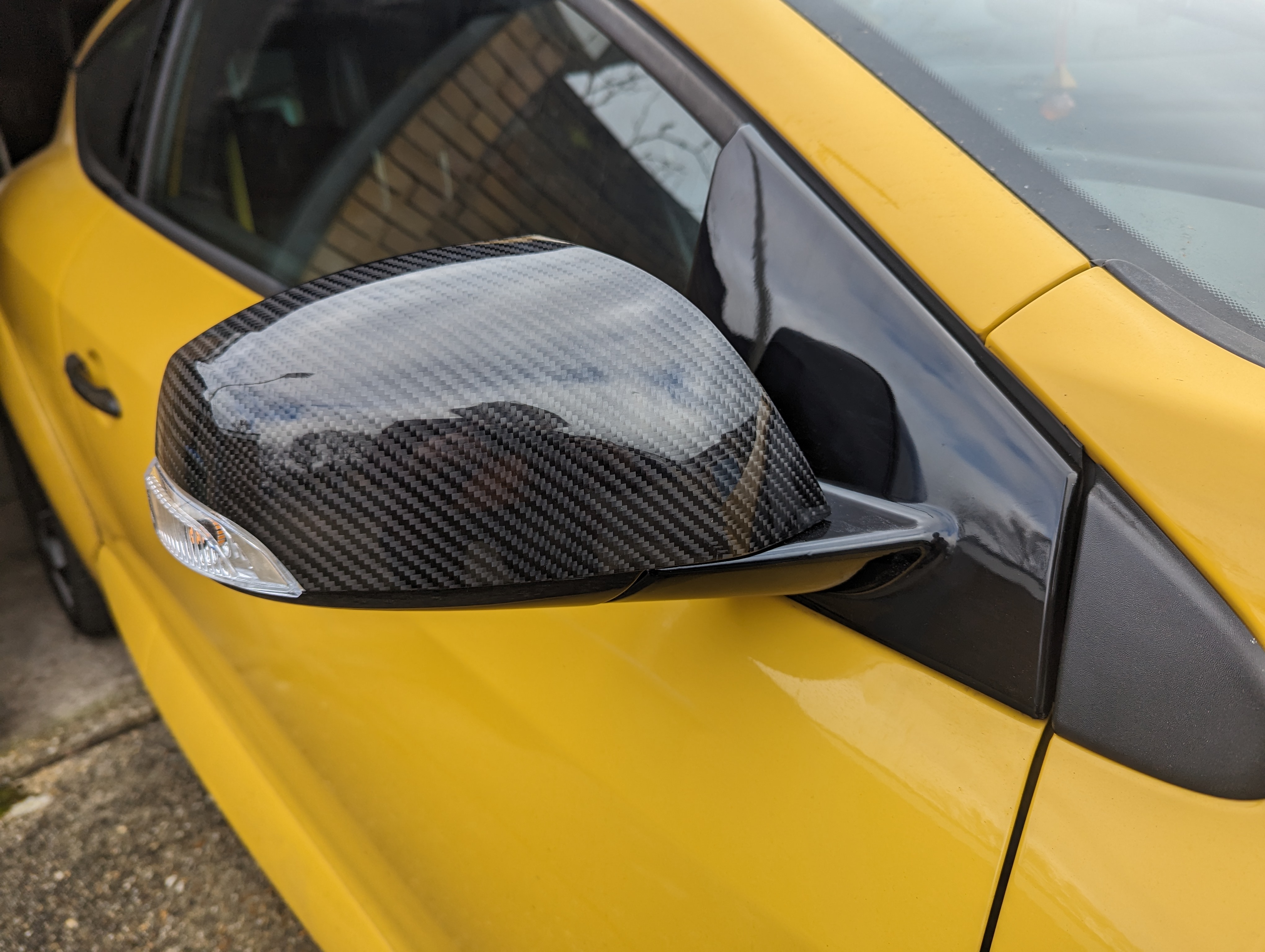
Retrofit Powerfold Mirrors Renault Megane MK3
A guide on retrofitting electric folding mirrors to Renault Megane MK3.
-
Update Renault Megane MK3 Radio to 2.42 (Latest/Final Update)
A guide on updating radio/headunit in a Renault Megane MK3 to 2.42 which is the latest and final update.